


HELP & SUPPORT
Your first scene
starts here.
A friendly, practical guide to Attascript!.
From the first line to the next draft—and everything you need to share it.
MAKE YOURSELF AT HOME
What would you like to do?
Starting a New Script
A blank page, a place, a person. That is enough to begin.
02Writing & the Tab Key
Keep your attention on the scene. Let each element do its formatting.
03Opening a Script
Return to a draft with its structure and working material intact.
04Importing a Script
Bring a PDF or Word draft onto editable screenplay pages.
05Translating a Script
Choose a destination profile, then review the new voice scene by scene.
06Developing a Script
Use the treatment tools to turn source material into a plan you can write from.
07Exploring the Story Pages
Build a logline, synopsis, analysis and practical story reports from the same draft.
08Tagging & Production Reports
Turn what is on the page into a useful breakdown.
09Make the Workspace Yours
Choose the light, the page size and the panels that help you write.
10Saving, Exporting & Backups
Keep an editable master, then make the copies other people need.
11Mac & Windows Shortcuts
Everyday keyboard shortcuts for Mac and Windows.
12Languages & Local Spelling
All 85 writing profiles, including their regional variants.
13Connect Your Gemini Key
Start with Free. Add Paid whenever you want—without giving up your Free fallback.
14Help When You Need It
A few useful checks—and a clear way to report what happened.
No matching guide yet. Try “script”, “key” or “spelling”, or contact support.
LEARN BY DOING
A little story to practice with.
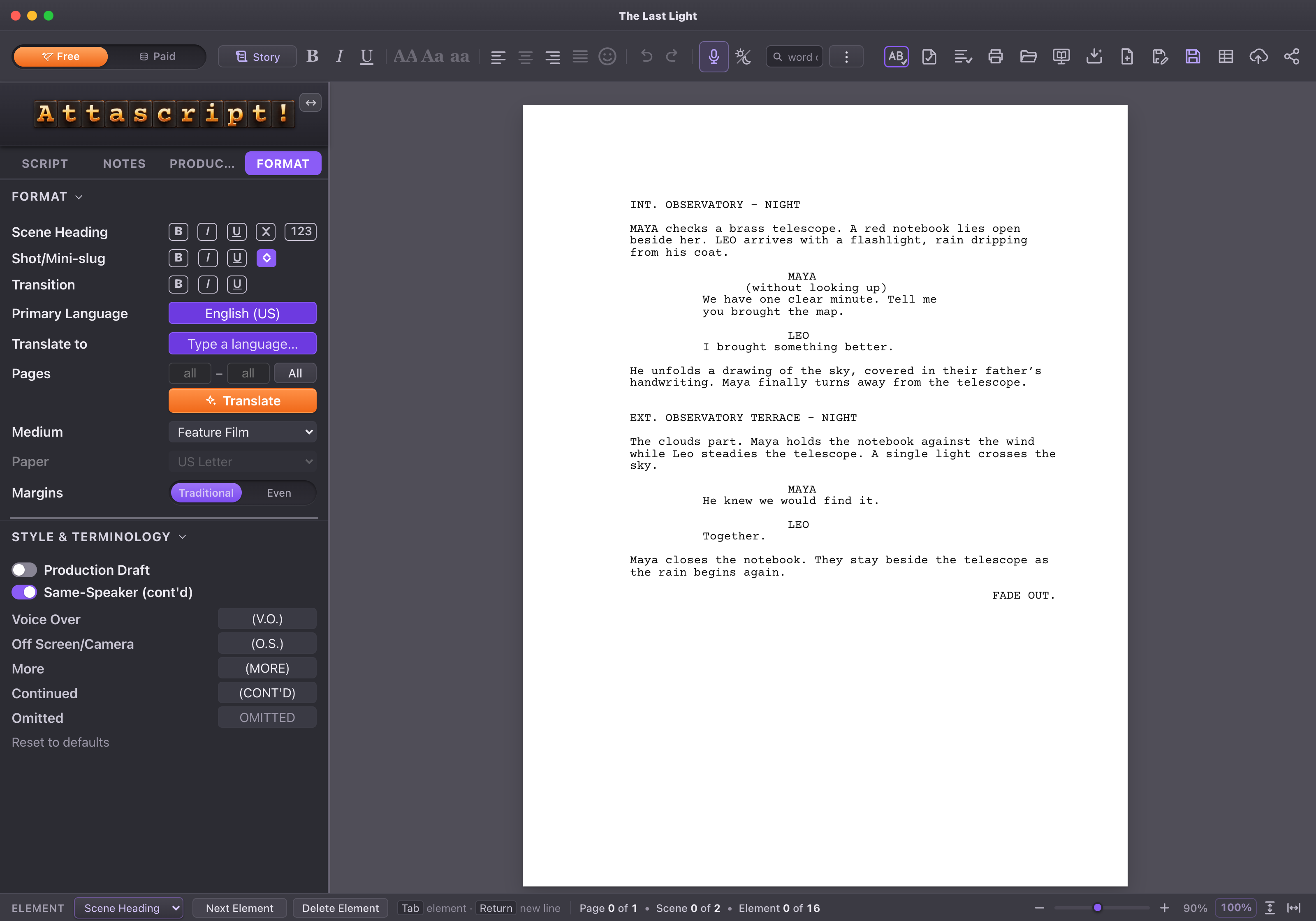
Maya. Leo. An observatory. One clear minute.
Use our sample screenplay as you explore the tools.